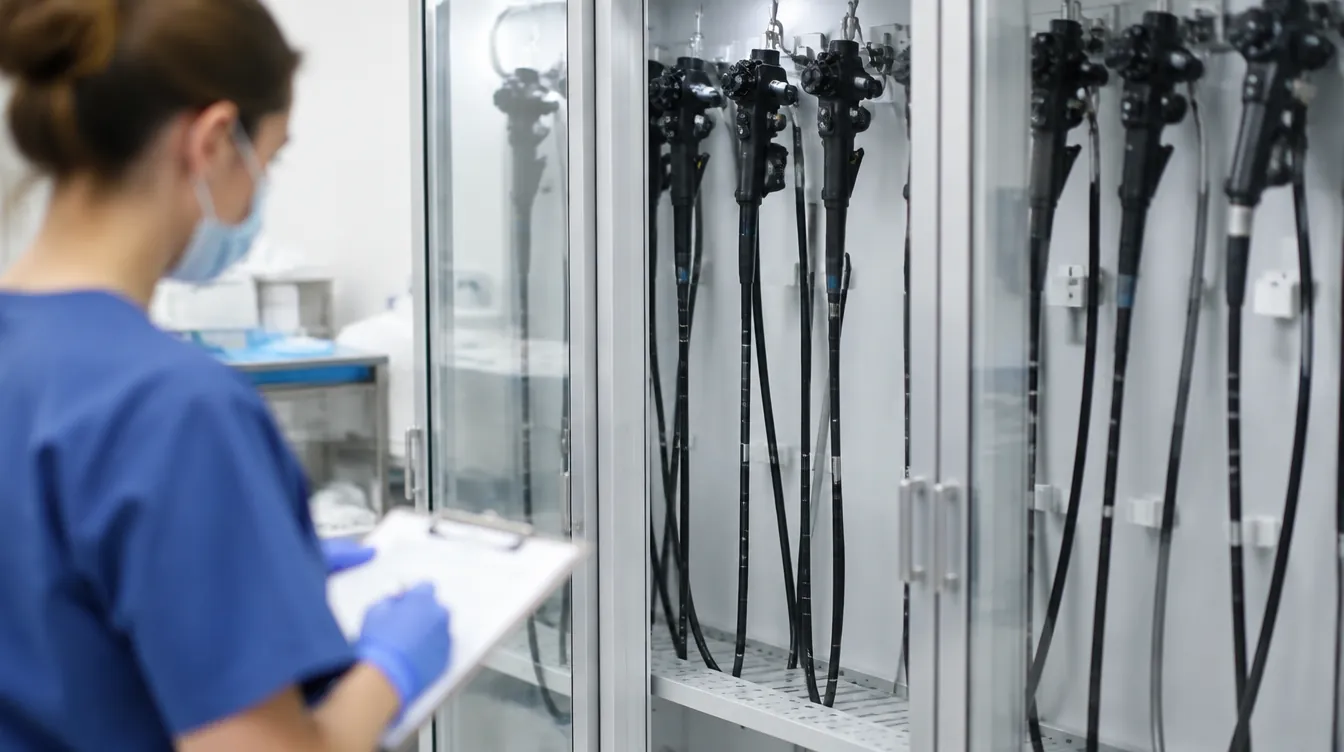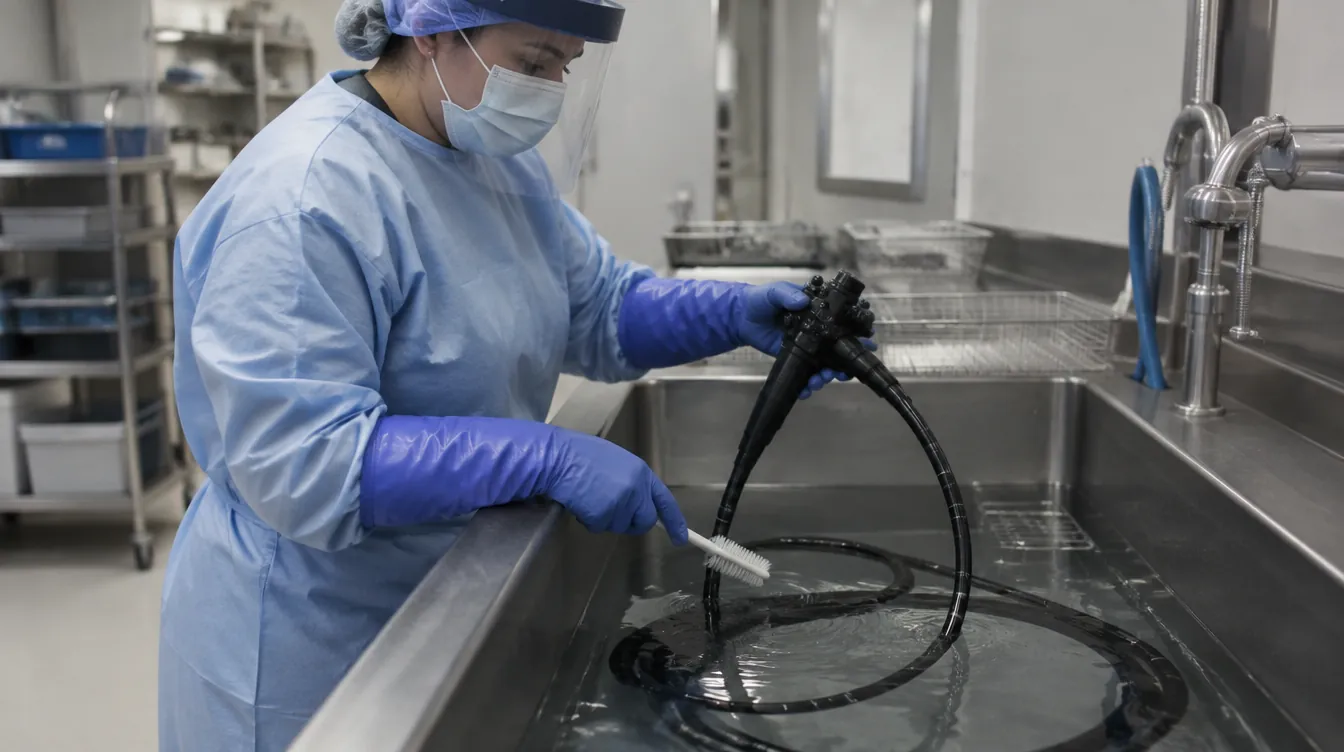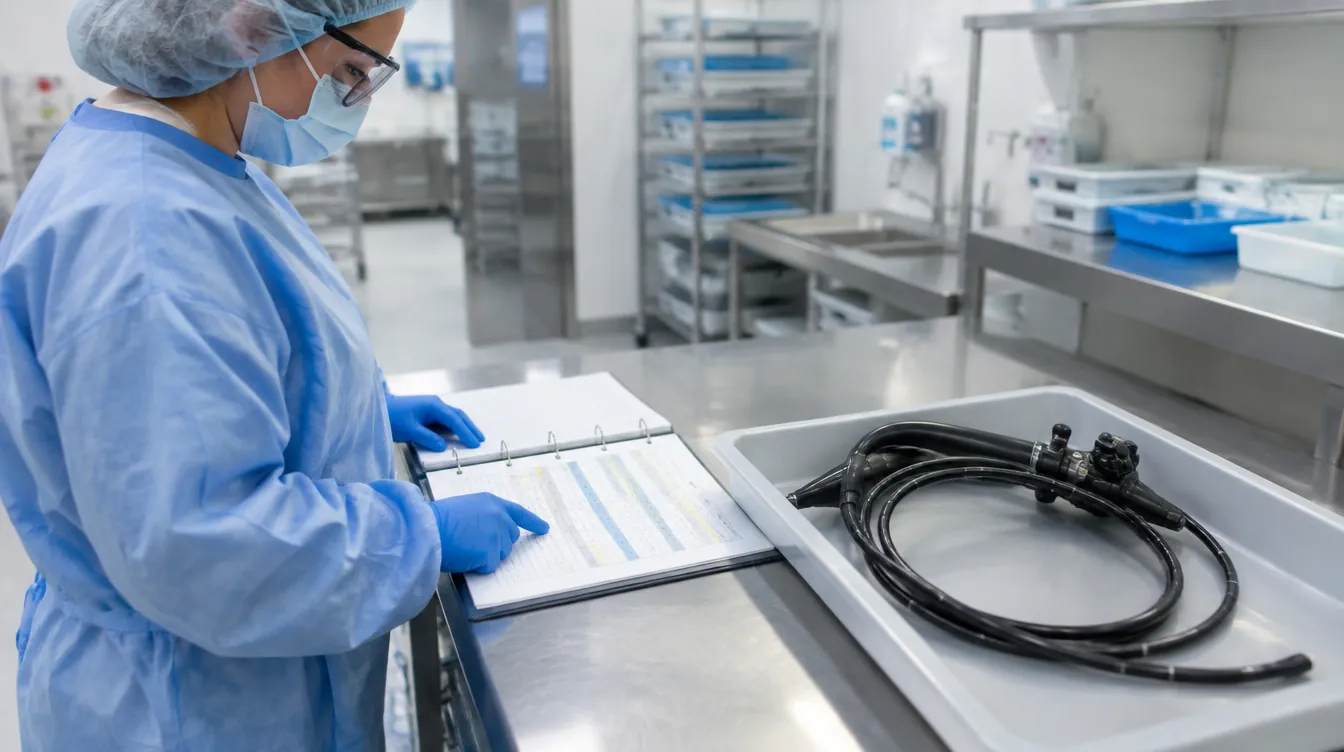
An endoscope fits in an automated endoscope reprocessor, the connector attaches, and the equipment is available. That still leaves an essential question: does the approved documentation support processing this exact endoscope with this exact system and configuration?
AER compatibility is worth treating as its own learning task. You can understand the cleaning sequence and still be uncertain about a replacement scope, a different connector, or a revised compatibility document. The useful skill is recognizing what needs to match and knowing how to resolve a mismatch before proceeding.
This guide offers an original review worksheet and teaching exercise. It is not a compatibility list or a processing procedure. Use current manufacturer instructions and your facility's approved process for operational decisions.
What does AER compatibility mean?
An automated endoscope reprocessor, or AER, uses a specified process for the endoscopes within its labeled scope. Compatibility concerns the supported combination of equipment, endoscope, accessories, and processing conditions. A familiar brand name or a connection that physically fits is not enough information to establish that combination.
The FDA's AER overview describes validation involving particular endoscope designs and models. Its discussion of duodenoscopes also says that an AER cleaning cycle should supplement the thorough manual cleaning directed by the duodenoscope manufacturer. Do not read an automated cycle as permission to skip required preparation.
For a learner, separate three questions: what device is present, what process is supported, and what evidence is available for the match. These questions help you explain your reasoning without inventing a technical answer.
Why yesterday's answer may need another look
Compatibility information can change. An FDA recall record initiated in 2023 documents revised Olympus labeling that removed LF-V and LF-P scopes from compatibility with specified OER systems. The record describes replacing instructions and training personnel on the changes. This is a historical example of a labeling change, not a new recall announced by this article.
The practical lesson is about keeping decisions current. A department can possess the same equipment while the documents governing its use change. A saved chart needs an owner and a revision process, especially when staff across several shifts depend on it.
Do not use this example to decide whether a device in your department is affected. That requires the current notice, actual product identifiers, and the facility's recall or device-review process. This article does not assess any reader's inventory.
Start with an identity check that another person can repeat
Ask your educator to demonstrate where the endoscope's identifying information is found and how it connects to the approved inventory record. Then repeat the task yourself. A nickname such as “the newer scope” does not provide enough detail for a manufacturer question or a review record.
Include the AER identity in the exercise. Two units may look alike while their documentation or approved configurations differ. Learn how the department distinguishes equipment and finds the corresponding instructions. Do not assume that selecting the same name on a screen settles every question about the physical setup.
Keep operational identifiers in approved systems. A student can practice the method with fictional identifiers rather than photographing equipment labels or copying internal records onto a personal phone. The aim is to learn how identity is established, not to build a private equipment database.
Map the documents to a specific question
Collect the relevant documents through the department's approved source. Depending on the system, those may include the endoscope IFU, AER instructions, connection guidance, accessory instructions, and compatibility information. Your educator or designated reviewer should identify the full set for the actual equipment.
Next, write the question at the top of your learning worksheet: “What supports this endoscope and AER combination?” This keeps the review focused. You are not trying to summarize every page or create a shorter operating manual.
The CDC's quality-control recommendations call for comparing applicable manufacturer instructions and resolving conflicts with the manufacturers. Treat a missing or conflicting document as something to resolve through the responsible team, rather than filling the gap with habit.
An AER compatibility review worksheet
The following is an original educational tool. It organizes evidence for review; a completed worksheet does not authorize use. Keep exact technical conditions in the governing documents and approved procedure.
| Review question | Evidence to locate | Useful follow-up if unclear |
|---|---|---|
| Which endoscope is being considered? | Approved device identity and model record | Ask how similar models are distinguished |
| Which AER is involved? | Equipment identity and applicable instructions | Confirm which unit and configuration the question concerns |
| What supports the combination? | Current manufacturer compatibility documentation | Request a documented manufacturer clarification |
| Which accessories belong to it? | Applicable connection and accessory instructions | Resolve missing or unfamiliar identifiers |
| Are the sources current? | Revision information and local document owner | Check whether an update is awaiting review |
| What happens while a question is open? | Facility escalation and status-control process | Identify the person responsible for the decision |
| How is the answer communicated? | Approved record and training update | Include the other shifts that use the system |
Use the worksheet as a conversation guide. If every row simply says “checked,” it will not help a later reviewer reconstruct what happened. Record the relevant reference and unresolved question in the authorized location.
Connections deserve more than a visual match
During supervised learning, ask to see how the correct connection information is selected for the specific endoscope. Ask how staff distinguish accessories that look similar and how they manage a missing or damaged component. The purpose is to expose assumptions before a busy shift turns them into shortcuts.
A useful teaching prompt is: “Show me where this choice comes from.” That is stronger than asking someone whether they remember the right connector. It tests whether the person can locate and interpret the evidence when memory is uncertain.
Do not make a universal connection diagram from this article. Channel arrangements and accessory requirements depend on the devices involved. Any local visual aid should have review, revision control, and a clear relationship to the manufacturer's instructions. An unlabeled photo shared in a group chat can quickly lose that context.
Clarify what the cycle record can tell you
A cycle record belongs in the required review, but it does not answer every upstream question. For training, ask the learner to distinguish the evidence for device identity, supported configuration, completed preparation, and the equipment's recorded process result.
Imagine a fictional worksheet with the cycle-result field completed and the compatibility-reference field blank. The educational question is not whether to accept the item. It is who must resolve the missing evidence under local policy and how the unresolved status remains visible.
This distinction helps prevent a common reasoning error: using the information that is easiest to retrieve to answer a different question. A record can be accurate and still be insufficient for the decision being made. Learn what each record establishes and what it leaves to another part of the workflow.
Handle loaners and replacement devices deliberately
A loaner or replacement is a useful trigger for a review because it interrupts familiar routines. Before it becomes part of ordinary work, the designated team needs a way to confirm identity, documentation, resources, and staff preparation for the actual device.
For planning, ask who receives the device, who reviews the documentation, who confirms the processing pathway, and who communicates the resulting availability. Those responsibilities may sit with different people. A delivery message should not silently become a statement that a device is ready for use.
Consider a fictional replacement scope that arrives while the usual reviewer is unavailable. A strong process gives the receiving technician a known escalation route and a clear way to communicate pending status. It does not require that technician to resolve compatibility by comparing appearances with the device being replaced.
Write manufacturer questions that can be answered precisely
Vague questions produce vague answers. “Can we run your scope in our machine?” leaves too much unspecified. Work through the approved contact process and provide the relevant models, document revisions, accessory identifiers, and exact ambiguity.
Explain which statement appears incomplete or inconsistent. Ask for the applicable written reference rather than permission based on a general description. Do not include patient details in an ordinary equipment question. If an incident is involved, follow the facility's reporting process for that information.
When a response arrives, route it to the designated reviewer. A helpful email still needs to be connected to the local procedure and document system. Ask whether other material needs updating and whether the response applies to only one configuration. Preserve those limits instead of turning a narrow answer into a department-wide rule.
Keep an unresolved question visible across shifts
A question can disappear from view when its owner leaves for the day. A practical handoff should tell the next person which device or configuration is under review, where the question is recorded, who is responsible, and what status applies while the answer is pending.
Use the approved status system rather than an improvised note alone. Ask your educator how a pending review is represented in both the physical workflow and the information system. If those disagree, the next shift may receive conflicting signals.
In a learning exercise, have a second person explain the status back using only the recorded information. If they cannot tell what is pending or who owns it, improve the record. This is a test of the handoff, not a test of how much the original author remembers.
A supervised teaching exercise with three changes
Use fictional equipment records or an educator-approved training environment. Begin with a fully documented example, then introduce one change at a time. Do not experiment on a clinical device or alter production equipment for this exercise.
First, substitute a similar-looking model number. Ask the learner which references need another review. Second, provide an accessory with an identifier missing from the example's approved documents. Ask what information is needed and who can resolve it. Third, add a revised notice that changes the earlier answer.
After each change, have the learner explain the pending status and the communication needed. The goal is to practice recognizing incomplete evidence. A student should not be penalized for declining to invent a compatibility decision when the exercise deliberately withholds the supporting information.
What good documentation looks like in this exercise
A useful training note might say that the supplied endoscope identifier differs from the approved example, that a named reference needs review, and that the question has been routed to the designated educator. It should distinguish observed facts from assumptions.
An unhelpful note says only “scope issue” or “manufacturer contacted.” Neither tells the next person what answer is needed. Another weak note says “should be fine,” which expresses confidence without recording evidence or authority.
Ask the reviewer what information they actually used to reach the decision. That answer can reveal whether the worksheet has too many fields, misses an important identifier, or encourages unnecessary copying. Improve the form around real retrieval needs while keeping the full technical instructions in their proper source.
Turn compatibility questions into a focused study habit
For students, make a small vocabulary list: device identity, compatibility, configuration, revision, clarification, and authorization. Write each term in plain language, then explain how it appears in the fictional exercise. This connects technical vocabulary with a task you can reason through.
For educators, ask learners to distinguish knowing a sequence from knowing whether it applies. A person may recite steps fluently while overlooking a model restriction. Give credit for locating evidence, recognizing uncertainty, and communicating the next action accurately.
For technicians building toward advanced learning, keep a de-identified list of questions to discuss with an educator. Do not turn personal notes into an operating procedure. The most useful study question often begins with “How do I verify…” rather than “What do I memorize…”
Plan for a document update before one arrives
Ask the department's document owner how a compatibility update moves from receipt to daily use. Who evaluates the change? Who revises the local reference? How are obsolete copies handled? Who confirms that staff on less visible shifts have received the information?
A small tabletop exercise can test that path without affecting clinical work. Give participants a fictional revision notice and ask them to describe each handoff. Record gaps such as an unmonitored inbox or a missing backup reviewer as system questions for leadership.
The resulting improvement might be as simple as naming an alternate contact and making the approved reference easier to find. There is no need to build a new tracking system if the existing process can carry the information clearly and reliably.
Frequently asked questions
Does a connector that fits prove AER compatibility?
No. Physical fit does not establish a supported processing combination. Use the applicable manufacturer documentation and the facility's approved review process for the exact devices and accessories involved.
Can I use an older compatibility chart if it is familiar?
Use the current approved information. If a saved chart has uncertain revision status, ask the document owner to resolve that uncertainty before relying on it for an operational decision.
What should a student do when two documents appear inconsistent?
Identify the documents, revisions, and specific disagreement, then bring the question to the designated educator or supervisor. Do not choose a preferred interpretation or combine instructions into a personal procedure.
Does this checklist replace hands-on competency assessment?
No. It is a learning and discussion tool. Device-specific training, supervised practice, and the facility's competency process remain separate responsibilities.
Does joining the ATS CER waitlist reserve an exam place?
No. The free ATS waitlist is for information about a coming-soon preparation class. It does not establish certification eligibility, register you for an examination, or promise a class date, price, or format.
Connect the review to hands-on learning
For more on learning through supervised practice, read why hands-on training matters in sterile processing. Compatibility review gives that broader learning principle a specific task to practice.
Build the habit of checking the match
Choose one fictional equipment pairing with your educator and practice locating the evidence that supports it. For broader introductory training, explore ATS live virtual learning. If endoscope-focused education is your next step, join the free ATS CER class waitlist for future updates.