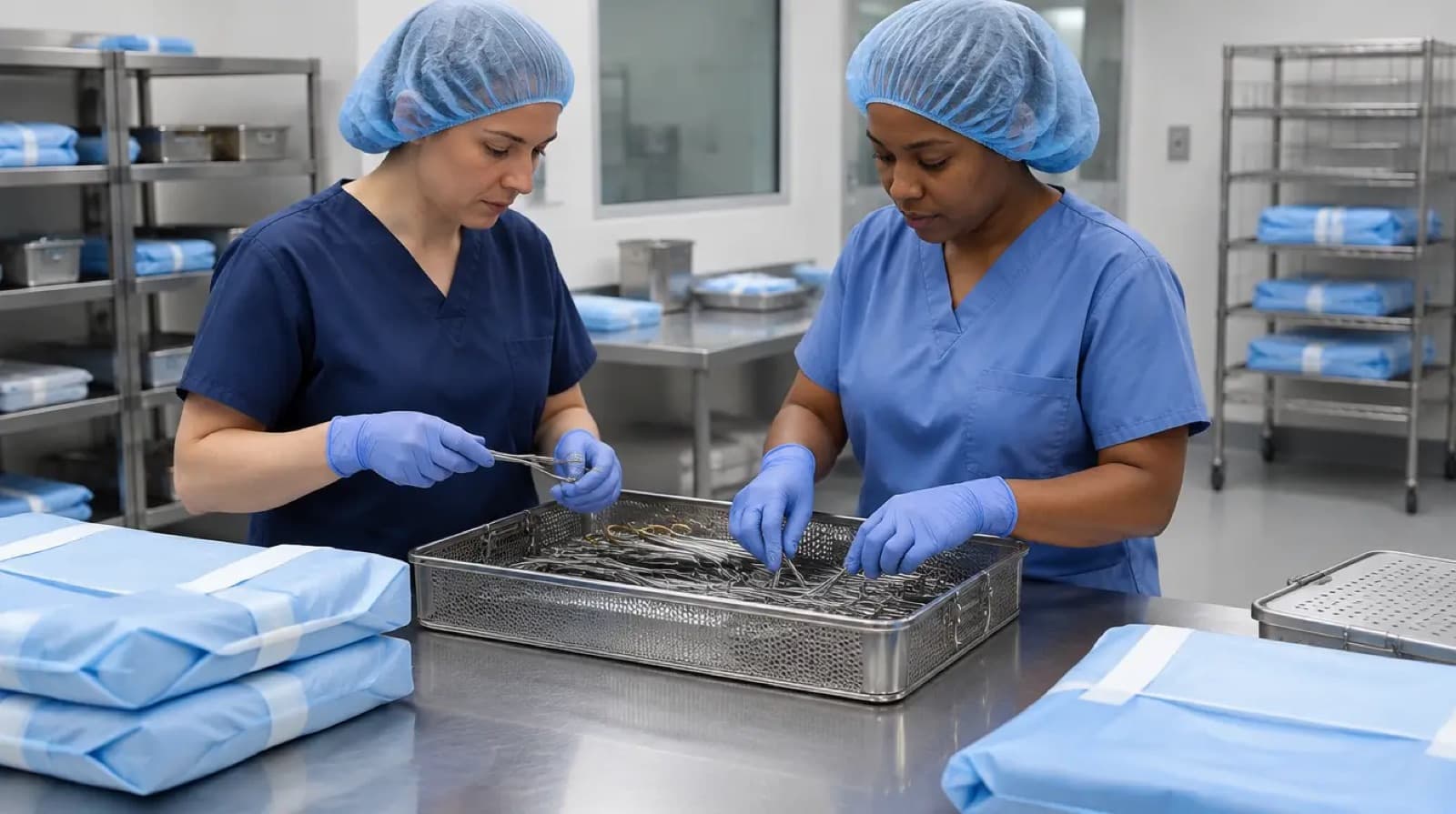
Instrument inspection is where sterile processing technicians ask whether an item meets the requirements to move forward. A tray can contain the expected number of instruments and still raise questions about cleanliness, condition, function, or identification.
For a new technician, the challenge is learning what to examine and when to ask for help. For a leader, it is giving staff the time, tools, instructions, and feedback needed to make those decisions consistently.
This guide focuses on building an inspection learning process and reducing recurring tray errors. Use the instructions for the actual device and your facility's approved procedures for inspection methods, acceptance criteria, and disposition.
Inspection and counting answer different questions
A count sheet helps organize a set's expected contents. Inspection asks additional questions about the items and their suitability to proceed. Treating the two tasks as identical can hide a learning gap.
The CDC describes inspection for cleanliness, function, and defects as part of preparation before packaging and sterilization. It also emphasizes following manufacturer instructions for preparing instruments. CDC: Sterilizing Practices.
For training, ask the learner to explain the difference in plain language. “The item is listed” and “the item meets the requirements” should not sound like the same conclusion.
That distinction gives an educator a starting point for teaching how a tray moves through the preparation area.
Give learners a repeatable way to ask questions
The following four questions organize a learning conversation. They are not a complete inspection procedure.
- Identity: Is this the intended item, and what confirms that?
- Condition: Which approved inspection criteria apply?
- Function: Which device-specific checks are required, and who has taught them?
- Disposition: What happens if the item does not meet a requirement or the answer is uncertain?
An educator can use these questions with different instruments while teaching the actual methods from current sources. The repeated structure helps learners recognize which kind of question they are facing.
It also prevents the conversation from stopping at “looks okay.” That phrase is too broad to reveal what was examined or which criteria were used.
Teach identification before relying on memory
Instrument identification develops through practice, but the goal is more than recognizing a general shape. Learners need to understand which distinctions matter for the set and the procedure it supports.
Use approved references and the actual inventory process to show how similar items are distinguished. Ask learners to explain the evidence for a match rather than simply naming the instrument quickly.
When an item does not match confidently, teach the approved route for clarification. The pressure to complete a tray should not turn a guess into an undocumented substitution.
A useful practice exercise is comparing two authorized training examples and identifying what information would resolve uncertainty. Keep the exercise focused on learning; do not introduce questionable items into clinical sets for demonstration.
Make the workstation part of the inspection discussion
Before concluding that staff need another reminder, look at the work environment. Are approved references accessible? Are the required inspection tools available and functioning? Can the technician see and organize the task as intended?
Ask staff what slows the work or causes repeated searches. An unclear count-sheet entry and an unavailable reference may create similar-looking delays, but they need different corrections.
Record specific observations. “The approved reference for this item could not be found at this station” is more useful than “staff were slow.” The first statement points to a fix.
A workstation review should also include the people responsible for equipment and document maintenance. An educator cannot solve every physical or technical problem by teaching around it.
Teach the response to an uncertain finding
Many training sessions emphasize normal appearance and normal function. Learners also need to know what to do when a finding is unclear.
Use the facility's approved process to explain how an item is identified, separated or held as appropriate, documented, and referred for evaluation. Show who has authority to determine the next step.
Do not require a novice to diagnose every unusual mark or mechanical concern independently. The useful skill is recognizing that the item needs review and communicating the observation accurately.
Avoid instructing staff to repair, modify, or repeatedly manipulate a device beyond the applicable instructions and their training. A clear escalation pathway keeps uncertainty from turning into improvisation.
Describe the defect, not the person's character
An error report should make the problem understandable. “Careless assembly” is a judgment. “The set contained an item with a different catalog identifier than the approved count sheet” describes an observation that can be investigated.
Use consistent categories, but leave space for a short factual description. A category alone may hide important distinctions between a missing item, an identification issue, an unresolved condition concern, and a documentation mismatch.
Keep the report within the facility's approved system. If photographs are allowed, follow local privacy and device-handling rules. Do not assume a personal phone or group chat is an acceptable quality record.
The purpose is to help the team understand and correct the process. Public blame rarely supplies the missing information.
A simple tray-error review template
This original template is a discussion aid for a local quality team. Adapt it through your facility's existing reporting process.
| Field | Example of the information needed |
|---|---|
| Where detected | Preparation area, final review, storage, or point of use |
| What was observed | Specific item or record discrepancy |
| Applicable reference | Current count sheet, device instruction, or approved policy |
| Immediate status | What the authorized team did with the affected item or set |
| Likely contributing factors | Questions to investigate, not assumed causes |
| Action owner | Person responsible for the next step |
| Follow-up result | Whether the change addressed the repeated problem |
The “where detected” field matters. A concern caught before release tells a different story from the same concern discovered later. Keep those categories visible when reviewing patterns.
Hypothetical example: the count sheet and inventory disagree
A technician preparing a set finds an instrument whose identifier does not match the current count sheet. A colleague says that the department has used that item for months.
The immediate issue is an unresolved discrepancy. Follow the approved process to clarify the correct item and determine what should happen to the set. Do not treat long-standing practice as the only evidence.
Then review the source of the mismatch. Was a replacement approved but the count sheet not updated? Did two similar items become mixed in storage? Did a purchasing change occur without the right review?
Each explanation leads to a different action. Retraining everyone on identification will not solve a count sheet that is wrong. Updating the sheet without confirming the intended item would be equally incomplete.
This example illustrates the value of investigating before assigning a fix. It is not a report of an ATS student or partner incident.
Build a reference library with clear ownership
A local reference library can support learning when it is approved, current, and easy to use. It can also become a source of confusion when old photographs, informal notes, and obsolete sheets accumulate together.
Assign responsibility for additions and revisions. Identify the source behind each reference. Make it clear which materials are educational examples and which documents direct current work.
Ask a new employee to find a specific item using the library. If that search is difficult, simplify navigation before adding more material. A large collection is not necessarily a usable one.
When an error leads to a reference update, communicate the reason for the change. Staff should understand what is different and how it affects the task, rather than receiving another document without context.
Review repeat errors by process, not only by tray name
Looking at the same tray name repeatedly can identify a local issue, but broader patterns may cross several sets. Similar identification problems may point to storage labeling. Missing information may point to document maintenance. Repeated interruptions may point to assignment design.
Start with a small sample of recent reports and ask which step produced the uncertainty. Avoid assuming that every problem found during assembly began there.
Bring in other departments when the evidence points beyond SPD. Purchasing, the operating room, educators, equipment specialists, or vendors may hold information needed to explain the pattern.
Keep the scope manageable. Choose one recurring problem, assign a correction, and review its effect. A long list of action items without owners can become another form of unfinished work.
Give feedback that teaches the next decision
Useful feedback connects the finding to the applicable reference and the action expected next time. It should answer: What was observed? What requirement applies? What support does the learner need?
Ask the learner to explain the decision in their own words. If they can repeat the answer but cannot show how to find the source, include document retrieval in the follow-up.
Provide supervised practice appropriate to the gap. An identification issue, a device-function question, and a reporting problem are different learning needs. One generic reminder is unlikely to address all three.
Recognize an appropriate catch as useful work. Finding a concern before it travels further is information the department needs, even when resolving it interrupts production.
Include inspection in the production conversation
A department can create mixed messages if leaders ask for careful inspection while celebrating only the number of completed trays. Staff need to hear how quality decisions fit into the definition of completed work.
When reviewing workload, distinguish time spent on ordinary preparation from time spent resolving a discrepancy. Both consume capacity, and the second may reveal a correctable upstream problem.
Use quality findings to inform staffing, scheduling, reference maintenance, and training discussions. Avoid using raw error counts to compare technicians with different assignments or exposure to complex sets.
For the broader leadership context, read building a quality culture in sterile processing. The response to a reported problem helps determine whether the next problem becomes visible.
A focused improvement project for one month
Choose one recurring tray issue and define it in terms two reviewers can apply consistently. Review a small baseline sample, including where the issue was detected and what information was missing.
Meet with the people who perform the task. Ask whether the proposed explanation matches their experience, and identify the smallest approved change that addresses the cause.
After the change, use the same definition and sampling method to review new observations. Record what improved, what did not, and whether another problem appeared. Do not announce a department-wide outcome from a small, narrow project.
The value of this approach is a clear connection between an observed problem and a tested response. It is a practical starting point, not a required quality-improvement timetable.
Close the loop on items sent for evaluation
Removing an uncertain item from the current task is only the beginning of its administrative follow-up. Under the facility's process, identify who tracks the evaluation and how the final disposition is recorded.
If an item is returned to service, staff need the authorized information supporting that status. If it is replaced or retired, the responsible team may need to update inventory and approved set references.
Review unresolved items periodically so a temporary holding location does not become a permanent collection without ownership. The question is simple: can the department explain each item's current status and next responsible action? A clear answer prevents the same uncertainty from returning to the preparation table.
Frequently asked questions
Is a complete count sheet enough to release a tray?
A count sheet addresses contents. The facility's full preparation, processing, and release requirements still apply. Learn those responsibilities through approved training.
Should every unusual mark be diagnosed at the assembly table?
Use the applicable inspection criteria and escalation process. A technician should communicate an uncertain finding accurately rather than improvise a diagnosis or repair.
What if the same error keeps returning after retraining?
Revisit the assumed cause. Check the reference, supply process, workstation, communication, and workload. Repeating the same training does not establish that the original diagnosis was correct.
How can a new technician become more reliable?
Practice identification, source retrieval, approved inspection methods, and clear reporting under supervision. Ask for feedback on specific decisions rather than only on speed.
Build the skill behind a dependable tray
Reliable inspection combines device knowledge with a clear response to uncertainty. It also depends on a department that keeps instructions usable and resolves recurring obstacles.
If you are building your foundation, explore ATS in-person sterile processing training or live virtual training. Program details and availability are listed on those pages. Education supports your development; workplace competency must still be established through your employer's process.